
MSP and partner guide
How an MSP runs METAFILES for its customers from the MSP console, from adding an organisation to watching the site's machines.
This guide is for managed service providers and partners who run METAFILES for their customers. Everything here happens in the MSP console: one web app where you create customer organisations, set their plans and policies, brand them, protect their data, suspend or delete them, and watch the machines of your site.
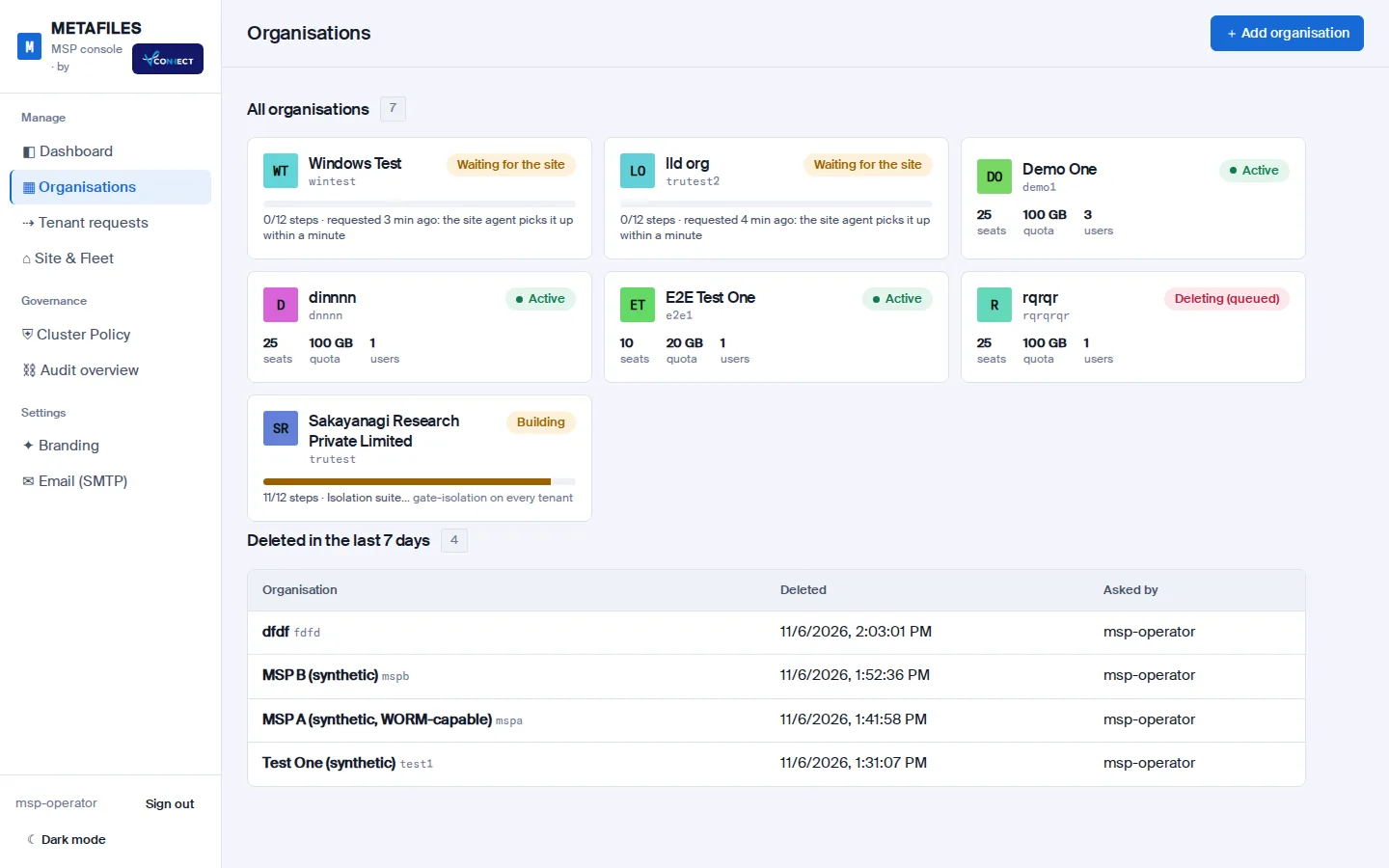 The Organisations view: one card per customer organisation, with its status, plan and users.
How the console works
A few principles hold everywhere in the console:
- Every click is a request to the engine. The console sends each action to the storage engine's control API, which records it, audits it with your operator name and hands it to the site to carry out. The console never logs in to a server itself.
- Controls are enforced on the server. Quotas, read-only mode, suspension, WORM, legal hold and ransomware protection are enforced by the engine and the edge, and portal settings are kept in line by services on each app server. Nothing depends on the browser.
- Risky changes can be undone. Changes that loosen security, reduce access or reduce history wait for an undo window before they take effect, and any operator can cancel them in that time.
- Everything is on record. Each organisation has a tamper-evident audit trail that you can verify and export.
The pages in this guide
| Page | What it covers |
|---|---|
| Signing in and the dashboard | Signing in, the side navigation, the dashboard tiles, dark mode and phones |
| Organisations | The organisation list, adding an organisation, choosing its storage, the 12-step build, Retry, the organisation page |
| Branding and policy | Change tiers and the undo window, plan and usage, policy switches, apps, white-label branding, Cluster Policy, site branding, email |
| Users and access | The users table, roles, Reset & show password, two-factor sign-in |
| Data protection | Backups and restore, ransomware protection, device approval, WORM, legal hold, retention, requests from customer admins |
| Suspend and delete | Suspending, read-only, and deleting an organisation safely |
| Site and fleet | Watching the site's machines and services, asking for machine actions, approval tiers, adding a machine |
| Audit | Each organisation's audit trail and the audit overview |
What your customers see
Your customers never see the MSP console. Their admins work in their own METAFILES portal and can read What your MSP controls to understand which settings you set for them. Their users start with the user guide.
Before you start
If you are new to METAFILES, read What is METAFILES? and How it fits together first, and keep the glossary at hand.
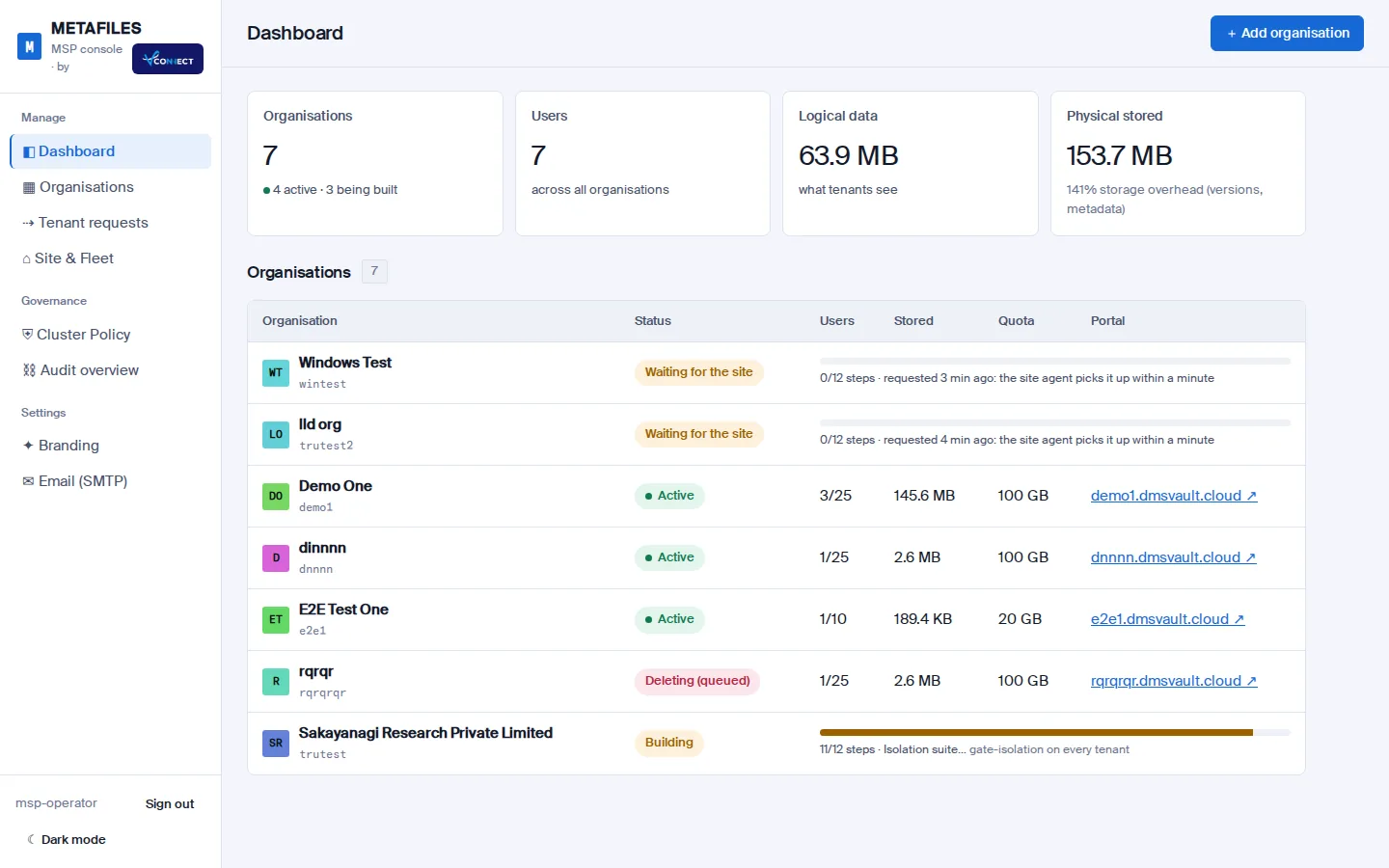 Signing in and the dashboardSign in to the MSP console with your named operator account and find your way around the dashboard and navigation.
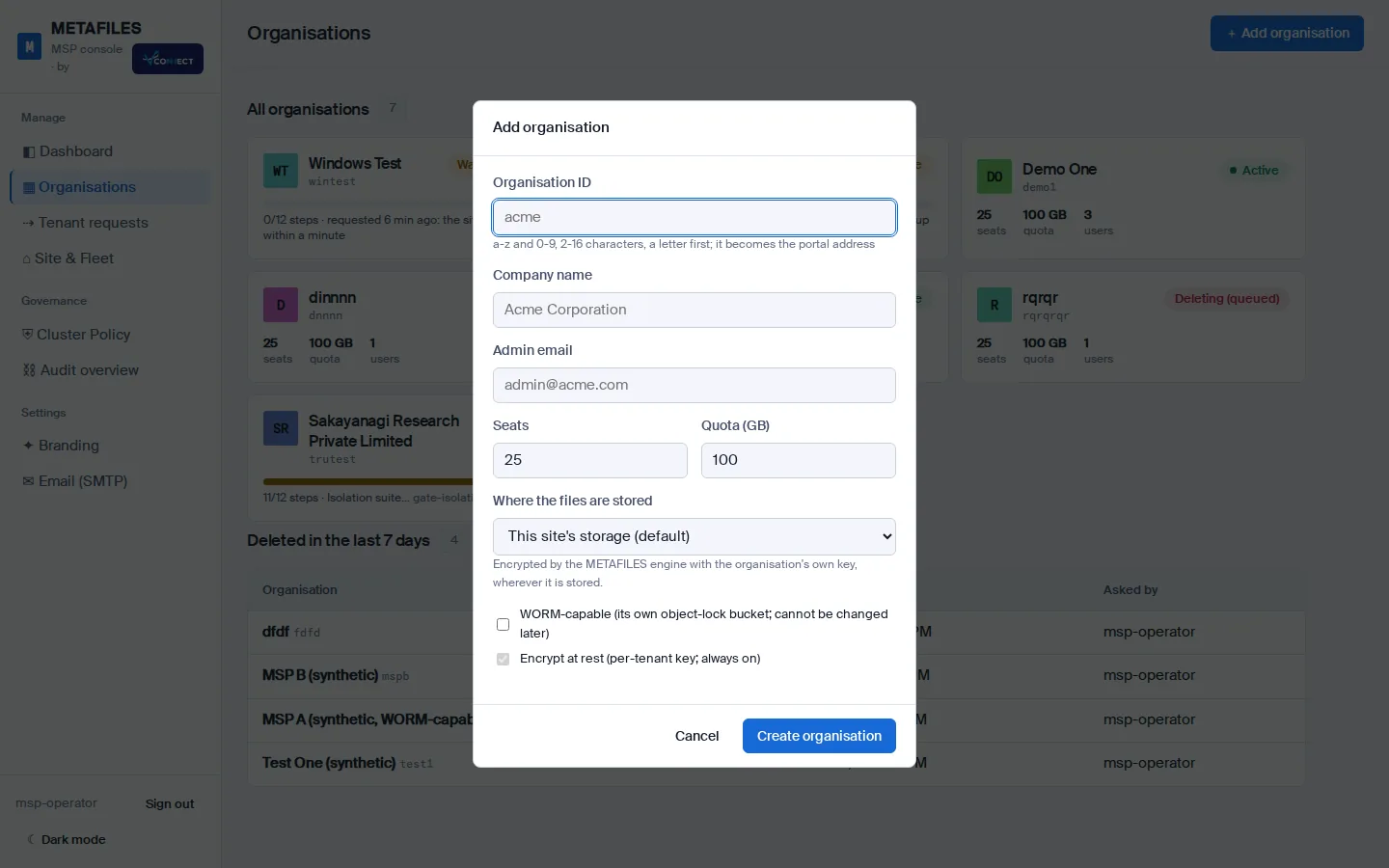 OrganisationsAdd a customer organisation, choose where its files are stored, follow its 12-step build and find your way around the organisation page.
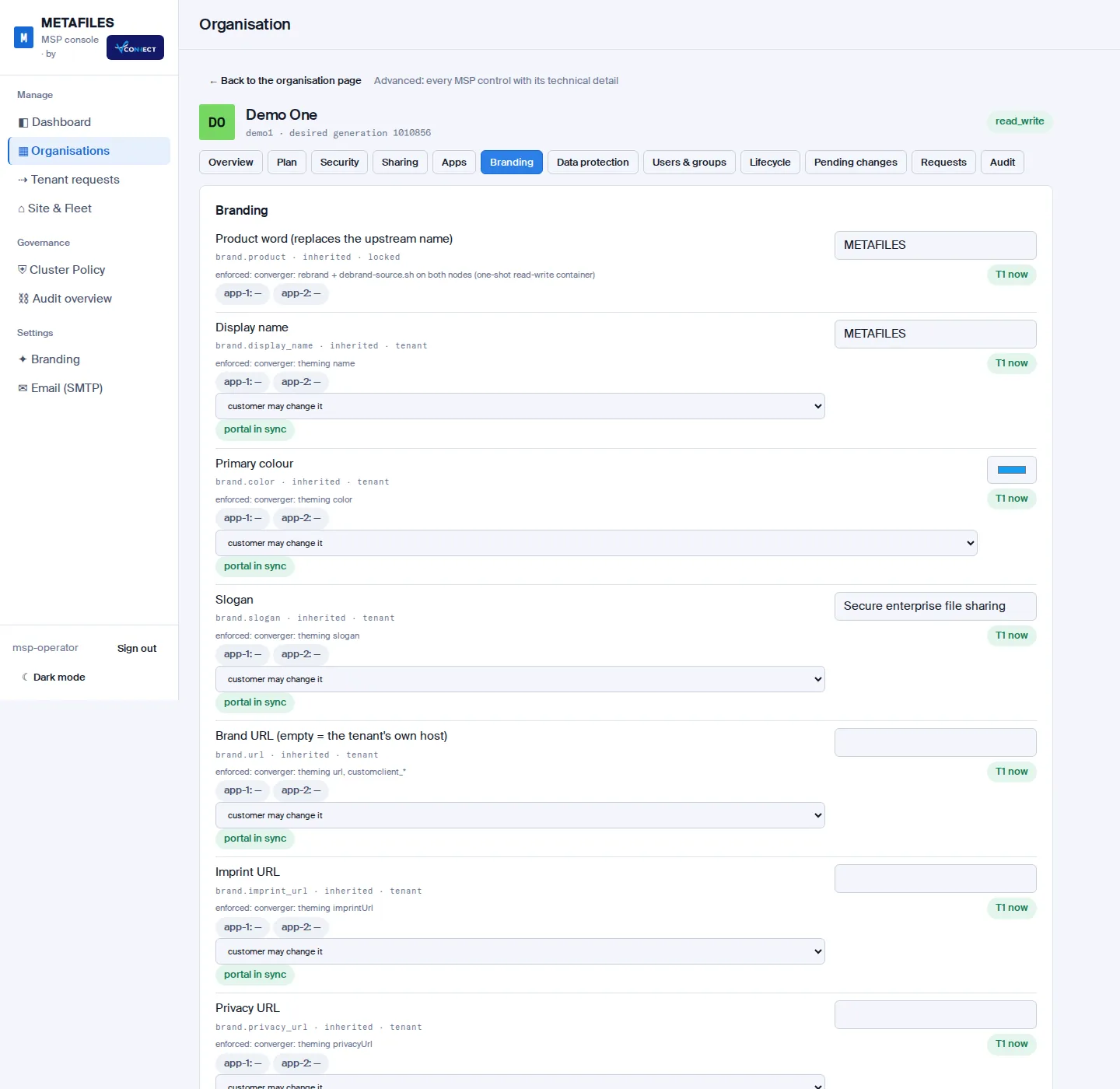 Branding and policyHow console changes take effect, and how to set each organisation's plan, policy, apps and white-label branding, plus the site-wide Cluster Policy, branding and email.
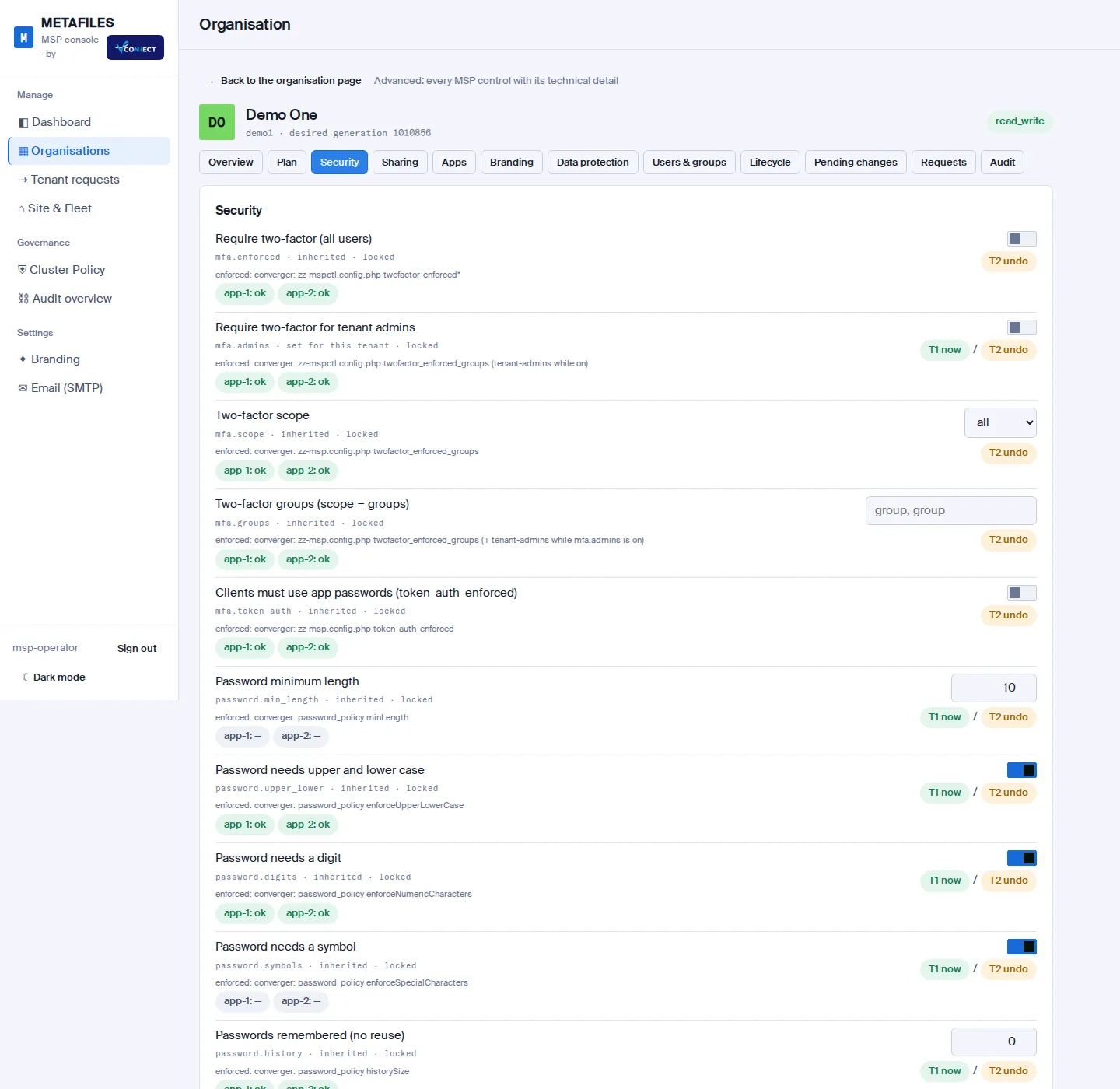 Users and accessManage an organisation's users from the MSP console, hand out passwords safely with Reset & show, and decide who must use two-factor sign-in.
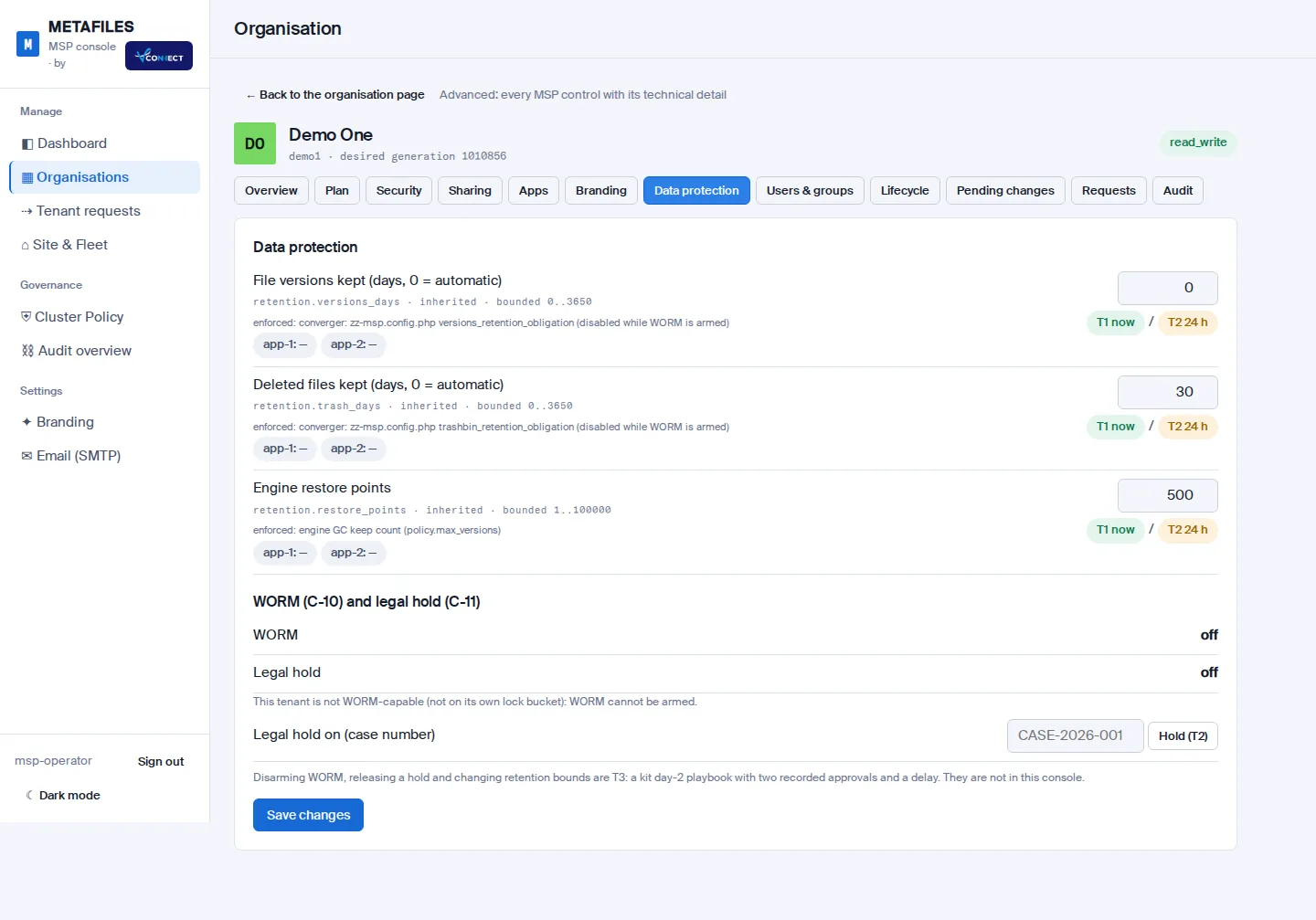 Data protectionBackups and restore, ransomware protection, device approval, WORM, legal hold and retention for each organisation, and how to handle requests from customer admins.
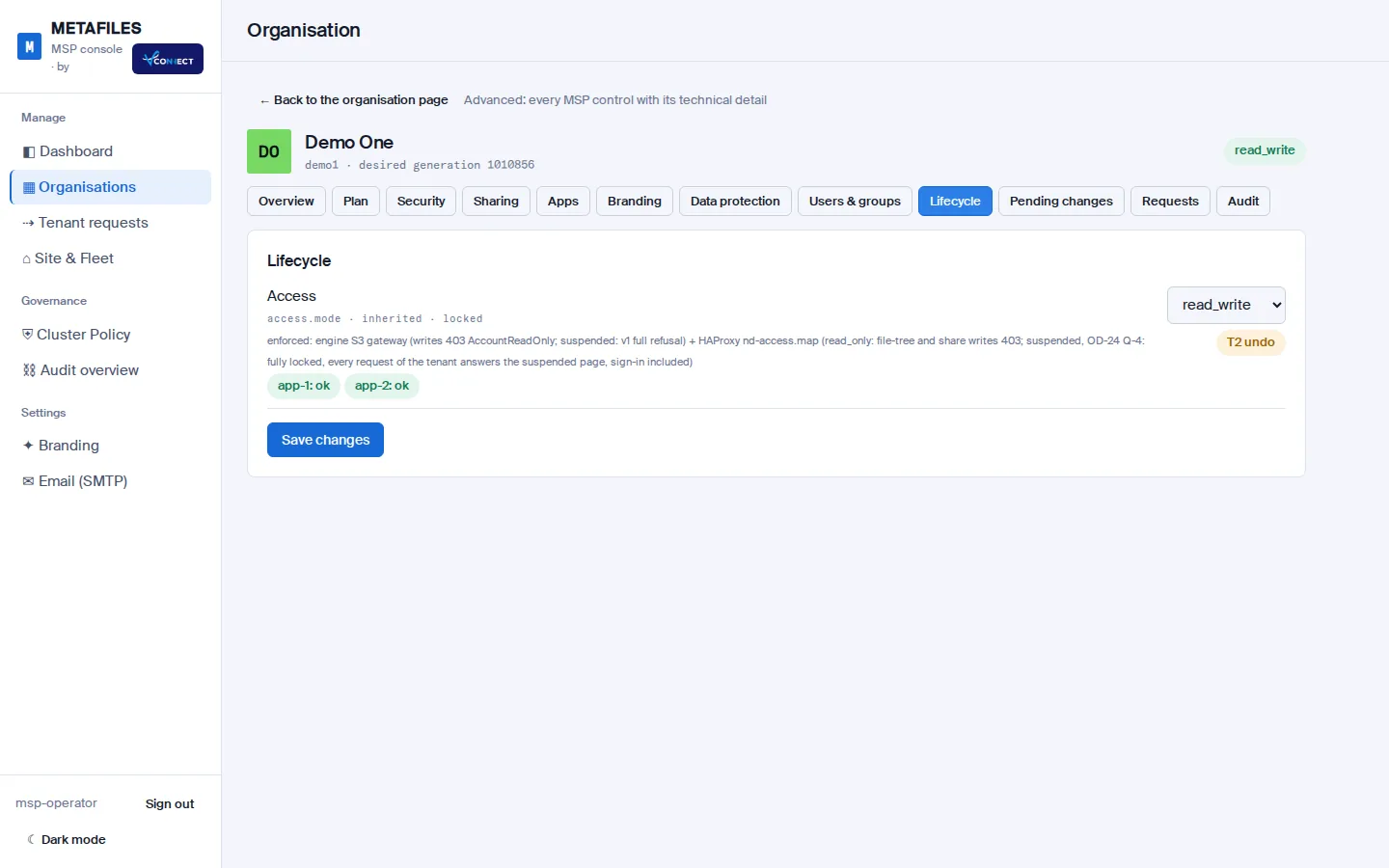 Suspend and deleteSwitch an organisation off safely with Suspend or Read-only, and remove it completely with a two-stage delete that has an undo window at each stage.
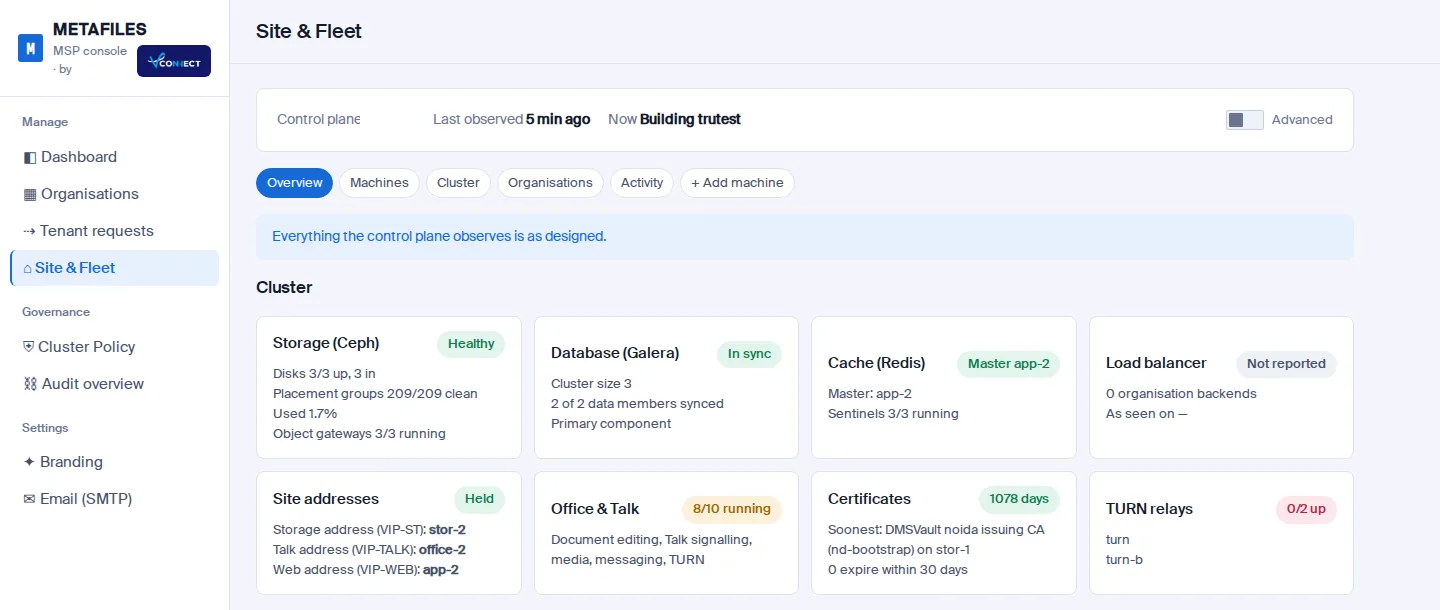 Site and fleetWatch every machine and service of your site in Site & Fleet, ask for machine actions that a person approves, and add a new machine.
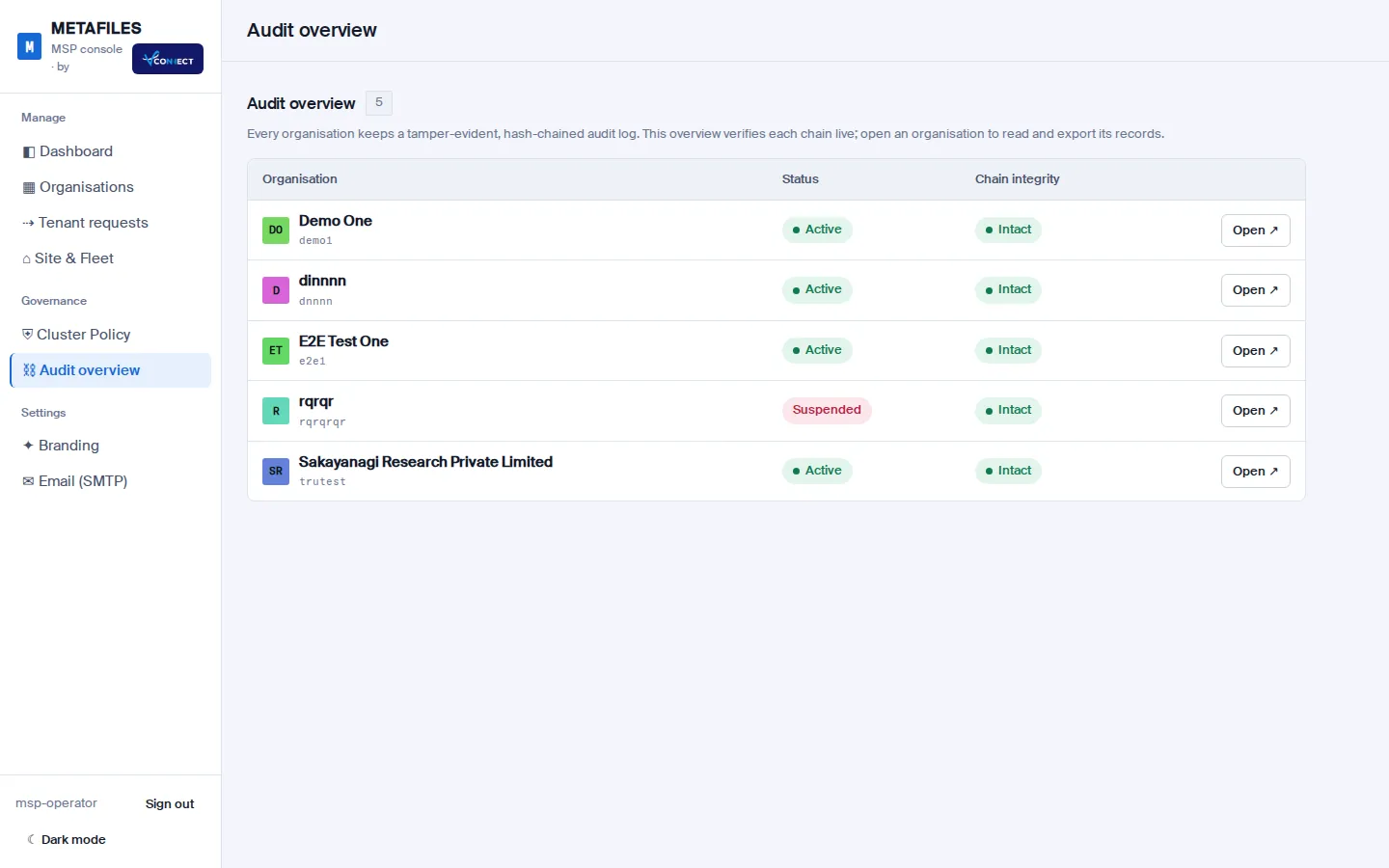 AuditEvery action in the console and in each portal is written to the organisation's tamper-evident audit trail, which you can filter, verify and export.